
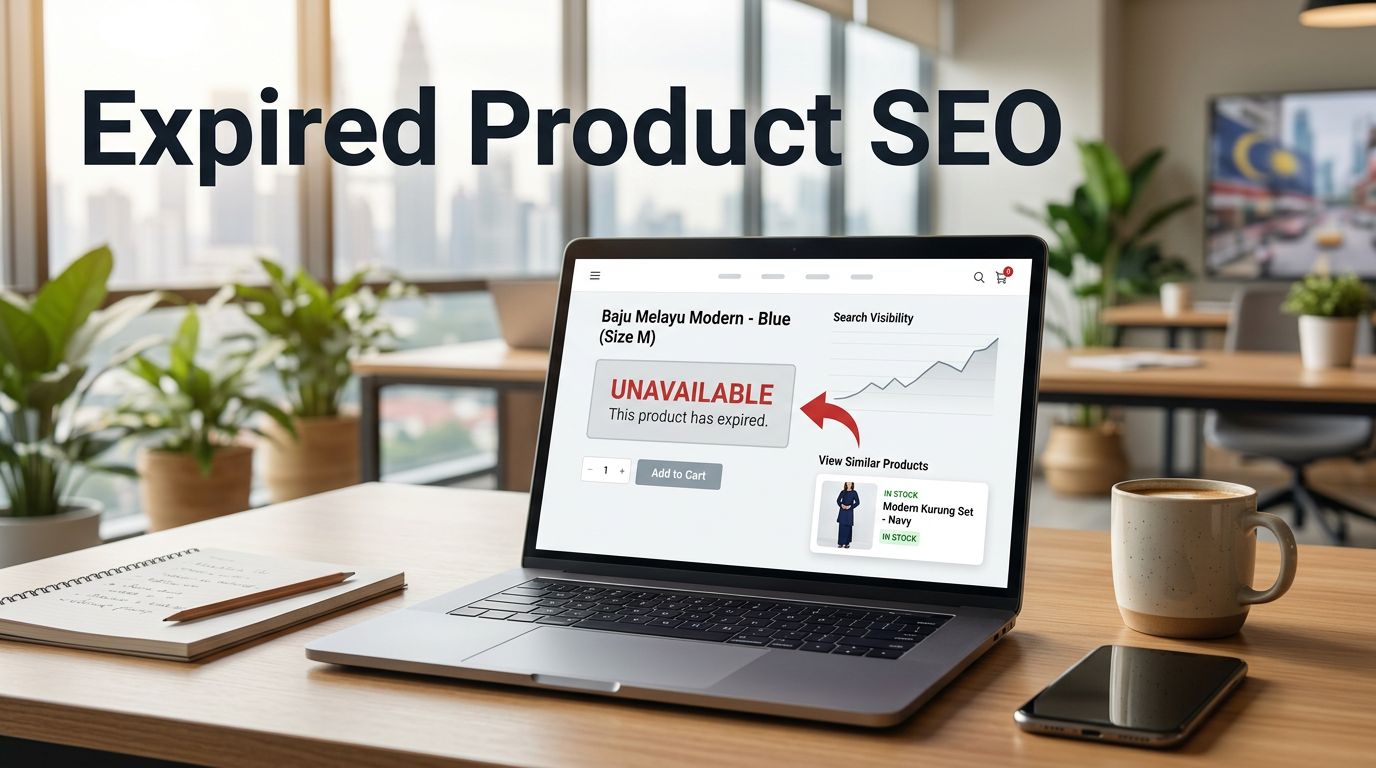
An expired product URL can still attract customers long after its last unit leaves a Malaysian warehouse. Expired product SEO determines whether that visit leads shoppers to a useful alternative or a frustrating dead end.
For ecommerce owners, URL retirement is an ecommerce SEO responsibility. It affects organic traffic, backlinks, internal links, crawl efficiency, and the path from Google search to a sale. A product URL that no longer sells an item differs from expired domains, which have lapsed registration or ownership. The right treatment starts with the product’s real status.
Expired product SEO starts with a product-level decision
Direct answer: Keep a product page live when stock is temporary, the item returns regularly, or the page still helps shoppers compare alternatives. Don’t treat it as expired content while it still serves shoppers. For discontinued products, use a 301 redirect only when a close and credible replacement product exists. Return a real 404 or 410 when the item has gone permanently and no suitable destination exists.
A redirect protects the user experience only when its destination matches the original search intent and solves almost the same shopping task.
Use this framework before changing any URL:
| Product status | Recommended action | What the shopper should see |
|---|---|---|
| Temporarily out of stock | Keep the URL live with a 200 status | Stock status, restock option, and related products |
| Permanently discontinued with a near-identical successor | Use a permanent redirect | The closest replacement or upgraded version |
| Permanently discontinued with no meaningful match | Return 404 or 410 | A useful error page with category links and site search |
| Seasonal item that returns each year | Retain and refresh the same URL | Current availability, updated dates, and relevant products |
Correct status codes matter, but relevance matters more. A page should never promise a product that a customer cannot buy. Use internal linking to guide shoppers toward live alternatives, relevant categories, or site search.
Match each product lifecycle to the right URL action

Keep temporary out-of-stock pages useful
Pages for temporarily out of stock products aren’t automatically obsolete. Keep the URL active if the SKU will return, especially when its backlink profile, link equity, and page authority indicate continuing value. Search impressions, product reviews, and repeat buyers can reinforce that decision.
State that the item is unavailable, but give visitors a route forward. Link to comparable items, the parent category, and suitable variations. For products still listed for sale, keep availability signals accurate through product schema implementation.
Avoid removing the page simply because warehouse stock reaches zero. A returning product does not need a new URL every time it leaves and re-enters inventory.
Redirect discontinued products only to close replacements
A 301 redirect suits a retired item when a current product has a close match in purpose, specifications, price range, and search intent. For example, a discontinued 1-litre stainless-steel bottle can redirect to its updated 1-litre model, not a broad drinkware category.
Google’s redirect guidance recommends server-side permanent redirects when a page has moved. Keep the redirect direct, and remove the old URL from sitemap files once the change is live.
Sending every discontinued product to the homepage is poor ecommerce practice. Visitors expect a relevant substitute, while a generic destination gives them little reason to continue browsing.
Preserve seasonal URLs that earn attention each year
Seasonal products often build useful history, so a page for a product that returns annually isn’t automatically expired content during the off-season. A Kuala Lumpur retailer selling Ramadan gift boxes, Chinese New Year hampers, or back-to-school bundles should usually retain the same campaign URL and update it before the next selling period.
Use full-year traffic trends to refresh product selections, copy, internal linking, images, and availability details. During the off-season, the page can preview the next release, collect restock interest, or guide shoppers to current alternatives. Deleting and recreating the page annually throws away its accumulated context.
Build a scalable catalogue retirement workflow
Large stores can’t rely on ad hoc decisions made by product teams. Create a shared, repeatable retirement process connecting merchandising, development, content, and ecommerce SEO owners.

Classify URLs before publishing changes
Export URLs from your ecommerce platform, XML sitemaps, Google Search Console, and analytics. Then label each page by product status, distinguishing expired content from other outdated site content, and record organic visits, backlinks, backlink profile, page authority, revenue contribution, category, replacement SKU, planned retirement date, and search engine rankings. Treat domain authority as a third-party diagnostic, not a Google ranking signal.
Review a full year of traffic trends where seasonality matters. A product with low sales this month may still attract valuable searches during a festive campaign or school holiday period.
A clear spreadsheet prevents developers from deleting pages that still have a commercial purpose. During the backlink review, record whether important referring links come from expired domains, so teams can assess the domain’s link history.
Maintain a redirect map with ownership
Record every retired URL, redirect target, HTTP status, launch date, responsible owner, and any link equity concerns. Each retired source should point directly to the final relevant destination, helping teams spot redirect chains after catalogue migrations.
Review legacy domain migrations separately from normal product retirement, especially when expired domains have contributed links with uncertain history.
Test the source URL, final destination, mobile version, canonical tag, and internal links. If the successor SKU later expires, update the original redirect rather than adding another hop.
Remove dead paths across the website
Update navigation, category modules, blog links, related-product blocks, and promotional landing pages as part of your internal linking review. Removing outdated paths helps focus crawl budget on useful pages.
A retired SKU should not remain prominent in a live collection or filter path.
This is especially important for stores with colour, size, price, and brand filters. Uncontrolled facets can generate hundreds of weak URLs, so review your faceted navigation technical SEO rules alongside product retirement work.
Avoid soft 404s and broken internal links
Use a real 404 or 410 when the product is gone
A standard 404 or 410 isn’t automatically harmful. It’s correct when expired content has no relevant substitute; if a relevant replacement exists, guide shoppers there instead. A page that looks empty but still returns 200 is a soft 404.
Google’s crawl error guidance recommends returning the correct error status when a page no longer exists. After deployment, test both a soft 404 and a genuine 404 or 410 response to confirm each behaves as intended.
Give your 404 page helpful category links, site search, and customer support options. These support a better user experience and help visitors continue shopping without disguising the page as a live product.
Keep canonical signals and redirects consistent
A retired product shouldn’t point its canonical tag to one page while its redirect sends visitors elsewhere. Conflicting signals complicate indexing, make troubleshooting harder, and make page authority signals less clear.
Use the final preferred URL in internal linking, XML sitemaps, and canonical setup. Review links inherited from expired domains for relevance, but don’t let them override the product-level decision. Google’s canonical URL documentation explains how these signals help Google understand duplicate or highly similar pages.
Use AI search readiness to clarify product relationships
Google AI Overviews and other AI-generated search answers don’t create a shortcut around sound technical SEO or reliable search visibility. Domain-history shortcuts, including expired domains, can’t replace accurate availability, clear headings, useful specifications, relevant alternatives, and a structure search systems can interpret.
AI SEO helps stores organise product information around real buyer questions. A product page can answer who it suits, what it replaces, compatible accessories, delivery limitations, and key differences from newer models, while supporting answer engine optimization, entity SEO, clear schema, and relevant internal linking.
A capable AI SEO Agency should connect these improvements to sales, enquiries, WhatsApp leads, repeat customers, and conversion rate. For Malaysian stores, generative search optimization should sit beside technical checks, product content, and reporting. Assess the rate alongside qualified leads and revenue, not as an isolated SEO result.
When comparing an AI SEO Agency Malaysia provider, ask for evidence of redirect mapping, indexed-page monitoring, product schema checks, conversion tracking, and a review of inherited links from expired domains. Domain age doesn’t prove relevance, and agencies should never use expired domain abuse or private blog networks to manufacture authority. A trusted AI SEO agency explains why each URL action is needed and provides a record of what changed.
Key takeaways for ecommerce owners
- Keep URLs for returning items and seasonal products active when they help customers or earn search demand.
- Use permanent redirects for close replacements, not unrelated categories or the homepage.
- Return 404 or 410 when an item is gone and no credible alternative exists.
- Audit internal links, sitemaps, canonicals, and faceted URLs after every major catalogue update.
- Treat AI search visibility as an extension of reliable ecommerce SEO, not a substitute for it.
Frequently asked questions
Should every discontinued product receive a 301 redirect?
No. Use a permanent redirect only when a closely related replacement product exists. If there is no equivalent item, return a 404 or 410 response instead. This gives Google a clearer signal.
Can an out-of-stock product page still rank?
Yes, if the product remains useful and is expected to return. Keep stock messaging accurate, and include related products and helpful details on the existing URL.
What should a trusted AI SEO agency review for an ecommerce store?
It should review product indexing, redirects, structured data, internal links, category architecture, organic landing pages, and sales-related metrics. A practical SEO audit checklist for Malaysia can identify avoidable losses from expired URLs.
Build a cleaner path from search to sale
Expired products are a normal part of ecommerce, but expired URLs need deliberate handling. A product-level decision protects the user experience by choosing the right status code or redirect, while preserving search value for useful pages.
Product URL retirement should be assessed separately from acquiring or managing expired domains. If your Malaysian ecommerce store needs a clearer redirect plan, stronger product structure, or a technical risk review, speak with an SEO consultant about a practical strategy for better Google visibility and qualified organic traffic.
