
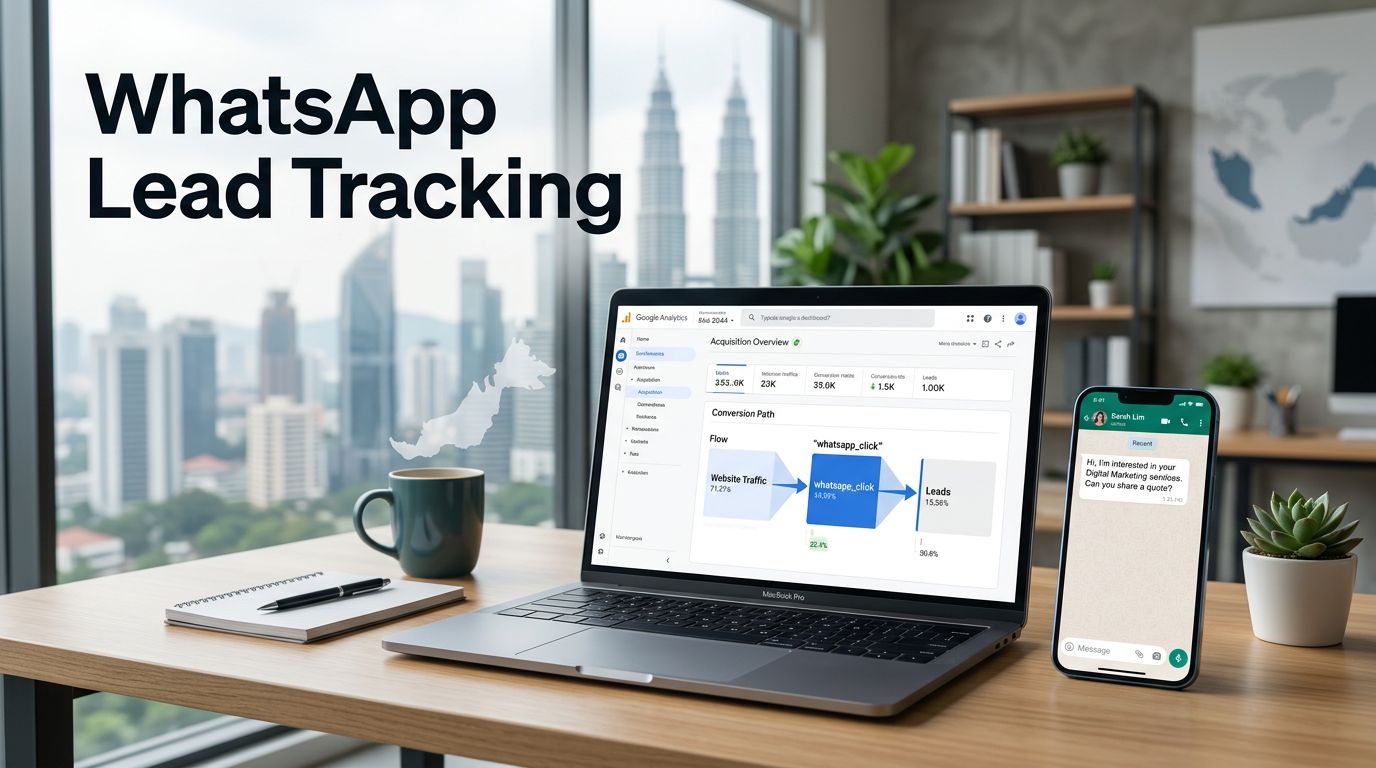
A WhatsApp button can produce a sales enquiry in seconds, yet many websites record it as an untraceable exit. Effective WhatsApp lead tracking connects that button click to the page, channel, campaign, and eventual sales outcome.
For a Kuala Lumpur clinic, Selangor contractor, education centre, or B2B supplier, traffic alone doesn’t pay the bills. You need to see whether organic search, paid ads, local listings, or referral traffic creates conversations worth pursuing.
Start by separating the website action GA4 can measure from the private WhatsApp conversation it can’t observe.
Key Takeaways
- Use a dedicated
whatsapp_clickGA4 event to measure website intent, while your WhatsApp inbox and CRM record conversations, qualified leads, sales, and revenue. - Define clear lead lifecycle stages so your team can separate raw clicks from genuine enquiries, quotations, bookings, and won deals.
- Configure Google Tag Manager to trigger only on real WhatsApp destinations, add useful page context, test in DebugView, and avoid sending personal data into GA4.
- Preserve acquisition source and campaign details across GA4, Meta, WhatsApp, and the CRM, treating Click-to-WhatsApp ads separately from website clicks.
- Use consent controls, privacy notices, response-time standards, and regular reporting checks to protect customer data and improve lead generation decisions.
WhatsApp Lead Tracking in GA4: The Direct Answer
Use conversion tracking to record every website WhatsApp button click as a dedicated GA4 event. This website-side layer records the click, while your inbox and CRM capture conversations, qualified leads, and sales.
GA4 can’t read private WhatsApp messages after a visitor leaves your website. CRM and inbox data are required to measure later outcomes.
Enhanced measurement may record some outbound clicks. However, a dedicated event such as whatsapp_click isolates this action from every other external link. Google recommends checking its custom event guidance before creating new events, so your tracking stays organised.
A WhatsApp click shows that a visitor intended to start a conversation. A qualified lead is confirmed only after your team assesses the enquiry.
Together, these three systems form a measurable sales funnel within the broader lead lifecycle:
- GA4 records the WhatsApp button click and the page that produced it.
- Your WhatsApp inbox or sales team records whether a conversation started.
- The CRM tracks qualification, quotation, booking, and revenue.
Define What Counts as a WhatsApp Lead
WhatsApp lead management means deciding which clicks, conversations, and outcomes deserve reporting. Someone may tap the button by accident, abandon the chat, or ask a question outside your service area. Decide which actions matter before building reports.
Separate click intent from sales quality
Use whatsapp_click for the website action. If your business treats every WhatsApp enquiry as a lead, mark it as a GA4 key event after testing it. For lead qualification, treat the click as an intent metric when quality varies. Use CRM statuses for qualified leads and won deals.
For example, a renovation company may receive 40 WhatsApp clicks in a month. Only 12 people may share a location, budget, and project timeline. Those 12 enquiries are the figure the sales manager should assess.
WhatsApp Flows can provide structured intake. A Flow could collect service type, location, budget, or preferred appointment time before a sales representative reviews the enquiry.
Set clear lifecycle stages
Keep the stages simple and consistent across marketing and sales. A Malaysian SME can use new enquiry, contacted, qualified, quoted, won, and lost. These stages make the lead lifecycle visible across the sales funnel. Add loss reasons such as outside service area, price mismatch, or no response.
This structure prevents a common reporting error: celebrating a high volume of WhatsApp clicks while sales staff struggle to find viable customers.
Set Up the GA4 Event in Google Tag Manager
Google Tag Manager acts as your website’s conversion tracking layer. It lets you control which buttons count as WhatsApp actions and keeps them separate from links to Instagram, marketplaces, or payment providers.
Trigger only on real WhatsApp destinations
First, enable the built-in Click URL variable in Google Tag Manager. Then create a Just Links trigger that fires when the Click URL contains wa.me or api.whatsapp.com.
Next, create a Google Analytics event tag named whatsapp_click and attach that trigger. Google’s Tag Manager event setup instructions explain the trigger-and-tag structure used for GA4 events.
Use lowercase names with underscores. Keep the event name stable once reporting begins.
Add context without collecting personal data
Useful parameters show where the click happened. For example, send cta_location for the header, footer, service page, or contact page. You can also pass page_type, service_category, and link_url.
Never send a visitor’s phone number, email address, name, or WhatsApp message content into GA4. Those details belong in your authorised CRM or inbox workflow, not web analytics.
| Measurement point | System of record | Business question |
|---|---|---|
whatsapp_click | GA4 | Which page and traffic source generated intent? |
| Conversation started | WhatsApp inbox | Did the visitor begin a real conversation? |
| Qualified enquiry | CRM | Is this customer a realistic sales opportunity? |
| Sale or booking | CRM | Which channels produce commercial value? |
Test every button in GTM Preview mode, including mobile sticky buttons, WordPress pop-ups, and chat widgets. Confirm that the trigger identifies genuine WhatsApp destinations, not every external link. Then check GA4 DebugView before publishing the container. Double-firing events can inflate lead numbers and distort your conversion rate.
Keep Attribution Intact Across GA4, Meta, and CRM
GA4 explains what happened before the person opened WhatsApp. Your CRM should explain what happened after the enquiry arrived. Both systems need a shared source structure, so lead attribution remains consistent from the first visit to the CRM record.
Preserve the original acquisition source
When someone comes from Google organic search and taps WhatsApp on a service page, GA4 can connect the click to the session source, landing page, and campaign data. Your sales team should retain that source when creating the CRM contact.
Keep that source attached throughout the lead lifecycle, not just at the first enquiry.
Use distinct source labels for organic Google search, Google Ads, Click-to-WhatsApp ads, Meta campaigns, direct website traffic, QR codes, and referral partners. These marketing sources help separate someone who manually messages your public number from someone who clicked a tracked website button.
For deeper reporting, connect the web data and commercial stages through SEO and CRM integration. This stops marketing reports from treating every click as equal.
Use the Business App or API for the right job
The WhatsApp Business App can suit a small owner-managed business with lower enquiry volume and simpler customer engagement. Once several staff need to respond, assign leads, or update a CRM, the WhatsApp Business API offers more control.
This matters for WhatsApp lead management, where assignment, routing, status updates, and a shared inbox keep work coordinated. For account administration, review permissions in the Meta Business Portfolio before connecting staff, phone numbers, and other systems.
Meta’s WhatsApp Cloud API setup guide covers sending and receiving messages, test webhooks, and business integration. A webhook can alert your system when a message arrives, so a CRM can create or update a lead record. WhatsApp Flows can collect structured project details, while AI agents handle routine triage with human escalation. Automated workflows can assign or update records, and approved message templates can support compliant follow-up. Platforms such as respond.io may coordinate a team inbox, automation, and CRM activity.
Click-to-WhatsApp ads need separate treatment. These ads open a WhatsApp chat directly and may bypass your website, so they shouldn’t appear as GA4 website WhatsApp clicks. Review them in Meta reporting, then retain the campaign source for CRM attribution rather than GA4 website-click reports.
Protect Privacy and Get Proper Permission
Tracking must support customer service without turning a private messaging channel into an uncontrolled database. Malaysian businesses need a clear privacy notice explaining how personal data is collected, used, shared, and retained. Review permissions, ownership, and retention across the lead lifecycle, from the first enquiry through follow-up and sale.
Request consent before non-essential tracking
Where analytics or other non-essential tags process personal data, request clear permission before firing them. Your privacy notice should state what data is collected, why it is needed, and which third parties may receive it. Structured fields in WhatsApp Flows still need a clear purpose and privacy notice.
The Personal Data Protection Department provides guidance on personal data protection notices. Apply the same discipline to cookie consent, website analytics, and CRM forms.
Make marketing opt-ins separate from enquiries
A visitor who requests a quotation hasn’t necessarily agreed to promotional broadcasts or lead nurturing. Ask for marketing permission separately, explain whether it covers automated follow-ups or broadcast messages, and offer a simple opt-out with spam protection and abuse-prevention controls.
Set a service-level standard for response time, because quick, respectful replies improve customer engagement. Response time also affects lead quality. Route new chats to a named person or shared inbox, and set ownership rules before an enquiry goes unanswered. AI agents may assist with routing, but require human review, data minimisation, and escalation rules for sensitive enquiries.
Use WhatsApp Data to Improve Search and Content Decisions
Many owners reviewing SEO Malaysia performance focus on rankings and sessions. GA4 enquiry data shows which service pages turn search visibility into real conversations and meaningful customer engagement.
An AI SEO Agency should connect this information to content decisions. AI SEO pages built for Google AI Overviews, answer engine optimization, generative engine optimization, entity clarity, and FAQ coverage still need commercial measurement.
Track AI-referred visits separately where source data allows, while recognising that attribution can be incomplete. This guide to tracking AI search traffic in GA4 helps clarify that reporting issue.
An AI SEO Agency Malaysia partner should ask which landing pages create qualified conversations, not only which pages attract impressions. Before appointing a Trusted AI SEO Agency, ask how it validates GA4 events, handles consent, and returns lead status to reporting.
Build a Reporting Routine That Sales Can Use
Review WhatsApp enquiry data monthly as part of WhatsApp lead management, using analytics dashboards shared by marketing and sales. Report website clicks, ad-originated chats from Click-to-WhatsApp ads, and offline QR code scans separately.
Use CRM integration to connect statuses and revenue across the lead lifecycle. Compare click volume with qualified leads as prospects move through the sales funnel. Then compare quotations with won revenue. Use conversion tracking for event-level measurement, and calculate the conversion rate from a defined stage, not every raw click. For WhatsApp Flows, review completion or abandonment using platform or CRM data, not private chats in GA4.
Keep a change log for buttons, GTM triggers, WordPress plugins, consent settings, CRM fields, and respond.io fields or status mappings, if used. Check AI agents for automated triage and human handoff after each update. Tracking often breaks after a redesign or plugin update, so regular checks protect the reliability of your reports.
Make Every WhatsApp Enquiry Count
A WhatsApp button should be more than a shortcut to chat. GA4 can measure intent while your CRM follows the lead lifecycle through each sales funnel stage. Assess customer engagement and conversion rate alongside qualified leads and revenue to understand business value.
If your website attracts visitors but doesn’t clearly show where enquiries come from, PixelPro can help you request an SEO review and build a practical measurement plan for stronger organic visibility and lead generation.
Frequently Asked Questions
Can GA4 track the actual WhatsApp conversation?
No. GA4 can track the website click that opens WhatsApp, but it can’t automatically read private chat activity. Use your WhatsApp inbox, Business Platform tools, or CRM to record conversation, qualification, and sales outcomes.
Should whatsapp_click be a GA4 key event?
Mark it as a key event if a WhatsApp click matches your business definition of a lead. If many clicks fail to become real enquiries, keep it as an intent event and report qualified leads separately through your CRM.
Do small Malaysian businesses need the WhatsApp Business API?
Not always. The WhatsApp Business App may be enough for a small team with manageable enquiry volume. Consider the API when you need a shared inbox, automated routing, webhook-based CRM updates, or reporting across several sales staff. Team capacity and response time should also guide the decision.
What are WhatsApp Flows, and when should I use them?
WhatsApp Flows are structured forms inside a chat. They help collect consistent details, such as service needs, locations, and preferred contact times. Use them when free-form replies make enquiries difficult to organise.
Can AI agents help manage WhatsApp enquiries?
AI agents can ask initial questions and direct enquiries to the right team. Human review, clear escalation rules, privacy controls, and timely CRM status updates are still necessary.
