

A prospect who finds your business on a phone should be able to call, enquire, book, or message you within seconds. If the page loads slowly or the form is difficult to use, that lead can disappear.
This guide focuses on practical steps that help Malaysian SMEs, service providers, eCommerce stores, and B2B firms gain qualified enquiries. It covers search visibility, the mobile experience, and the details that encourage visitors to act.
Start with the mobile version of your website, because Google evaluates it first.
The Direct Answer: What a Mobile SEO Checklist Should Cover
A mobile SEO checklist is a structured review of how a website loads, renders, matches search intent, and converts on smartphones. For lead generation websites, it acts as a technical SEO checklist covering conversion optimization, local SEO Malaysia signals, forms, calls, and WhatsApp actions.
Google uses the mobile version of a website’s content for indexing and ranking. Its mobile-first indexing guidance advises businesses to keep content, metadata, structured data, and crawl directives consistent across mobile and desktop versions.
Key takeaways for lead-generation sites
- Keep the same important service content, images, schema markup, and internal links on mobile and desktop pages. Verify that structured data markup is consistent across both versions.
- Prioritise mobile usability with easy-to-tap calls to action, including telephone links, enquiry buttons, booking options, and WhatsApp links.
- Monitor real-user Core Web Vitals, not only laboratory speed scores.
- Track leads by device in Google Analytics 4, so you can find where mobile visitors leave before submitting a form.
A polished desktop homepage cannot compensate for a mobile service page that hides pricing context, trust signals, or the contact action.
Build the Site for Mobile-First Indexing
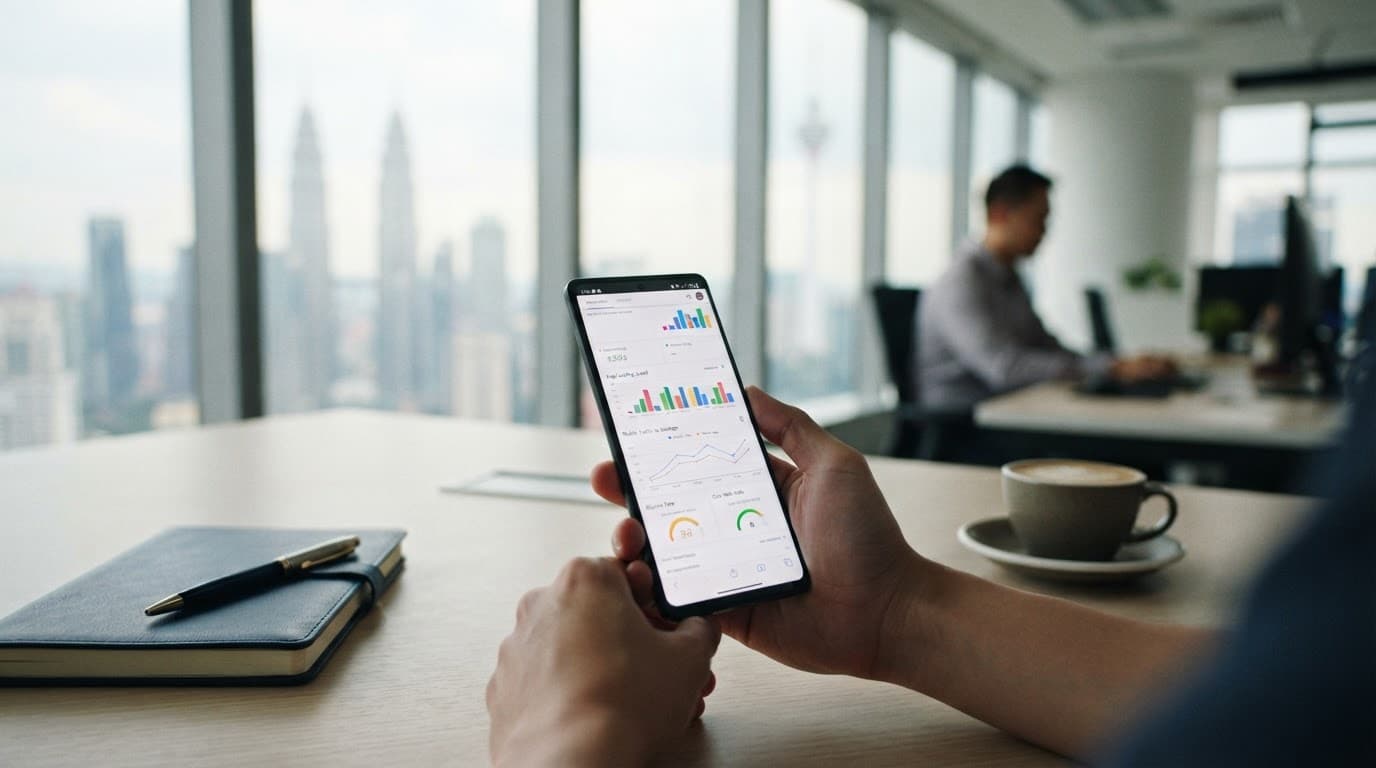
Responsive design is the safest starting point. One URL adapts to each screen size, avoiding content mismatches and maintenance work across separate mobile sites. It also keeps internal linking consistent, helping strengthen topical authority.
Check every high-value page on a real phone. Your home page, service pages, location pages, contact page, blog articles, and landing pages should show the same meaningful information available on desktop. Googlebot’s smartphone crawler needs access to the text, images, links, title tags, meta descriptions, and schema markup that support those pages.
Set the viewport to width=device-width, initial-scale=1. This tells the browser to size the page to the device width rather than shrink a desktop layout into a narrow screen.
Review mobile usability with these checks before treating a page as mobile-ready:
- Content must fit within the viewport, without sideways scrolling or clipped tables.
- Body text should remain readable without pinch-to-zoom.
- Buttons and linked elements need enough space between them. A 48 by 48 pixel tap area is a reliable target.
- Avoid pop-ups that cover the main content immediately after a visitor lands.
- Keep the XML sitemap current, and check that canonical tags point to the preferred URL.
- Review crawl errors and broken links before calling the page mobile-ready.
- For multilingual websites, validate hreflang implementation so each language version points to the correct regional page.
For a Selangor contractor, this may mean placing a visible “Request a Site Visit” button near the service summary. For a clinic, it may mean showing the appointment phone number before a long treatment description.
Improve Core Web Vitals on Malaysian Networks

Mobile page speed affects both search experience and lead quality. A visitor on a congested connection may abandon a page before your form, map, or phone button appears.
Focus on Google’s Core Web Vitals targets:
- Largest Contentful Paint (LCP) should be 2.5 seconds or less. Compress the main image, reduce server response time, and avoid large sliders above the fold.
- Interaction to Next Paint (INP) should be 200 milliseconds or less. Heavy scripts from chat widgets, tracking tags, pop-ups, and page builders often delay interactions.
- Cumulative Layout Shift (CLS) should stay at 0.1 or lower. Reserve space for images, embedded maps, cookie notices, and forms so buttons do not jump under a visitor’s thumb.
Test key pages with PageSpeed Insights, then compare the results with the Core Web Vitals report in Google Search Console. These checks also support mobile-first indexing because Google evaluates the smartphone version when assessing performance. The mobile indexing reference from Semrush explains how mobile content parity affects technical performance.
Test on real Android devices and throttled 3G or 4G connections, not only fast office Wi-Fi. Kuala Lumpur and Penang users may have strong connectivity, while customers travelling or browsing elsewhere can face slower, less stable service. A regional CDN location in Malaysia or Singapore can reduce latency. Image optimization with WebP or AVIF, lazy-loaded below-the-fold media, and fewer third-party scripts can also cut page weight.
Make Mobile Pages Convert, Not Only Rank
Organic traffic has little commercial value when a page creates friction at the point of contact. Conversion optimization helps mobile visitors get a quick answer and take a clear next action.
Keep the first screen focused on search intent and the visitor’s immediate question. A contractor or clinic can state the service, location served, proof of expertise, and consultation action. An education centre can show the programme, suitable age group, class location, and enquiry button without requiring endless scrolling.
Pay close attention to these mobile usability details:
- Put one primary call to action near the top, then repeat it after substantial service information.
- Use short forms. Ask only for details needed to start a useful conversation, such as name, phone number, preferred service, and message.
- Make telephone numbers tappable and test WhatsApp links on Android and iPhone devices.
- Place reviews, certifications, case results, or client logos near the action, where visitors can see them before submitting.
A WordPress website often becomes slow because page-builder modules, duplicate form plugins, and marketing scripts load on every page. Remove what does not support the page’s purpose. On Shopify, assess app scripts with the same discipline, especially chat, reviews, upsells, and tracking tools.
Add Local Signals, Structured Data, and AI Search Readiness
Local SEO Malaysia work begins with accurate business details. Use the same business name, address, phone number, opening hours, and service areas across your website and Google Business Profile. A Kuala Lumpur business should show the same phone number on its contact and location pages.
Add relevant structured data markup when the page supports it. LocalBusiness schema can clarify business identity and location, while Service, FAQPage, and BreadcrumbList types can explain page purpose and hierarchy. Each item must match visible content, so don’t add FAQs that visitors cannot read.
Clear, direct answers are more useful in AI search results. AI SEO combines technical SEO with answer engine optimization (AEO), generative engine optimization (GEO), entity SEO, and well-structured content. Explain each service plainly, use internal linking to connect related pages, and answer the questions sales teams receive every week with search intent in mind.
An AI SEO Agency should treat mobile usability as part of AI search readiness. If a page has vague headings, thin service explanations, blocked content, or confusing site architecture, search crawlers and AI systems have less reliable context. Sites serving more than one language also need careful hreflang implementation. Businesses comparing an AI SEO Agency Malaysia provider should ask how it handles topical authority, schema validation, mobile performance, and lead tracking. A Trusted AI SEO Agency reports on those inputs alongside rankings and traffic.
Run a Monthly Mobile SEO Audit
Use this mobile SEO checklist Malaysia each month for high-intent pages, then audit the wider site each quarter. For that wider review, pair a technical SEO checklist with local SEO Malaysia checks.
Search Console identifies indexing and mobile issues, while Screaming Frog can find internal linking gaps, broken links, redirect chains, duplicate title tags, and missing meta descriptions.
A practical audit sequence looks like this:
- Review mobile organic traffic, conversions, and engagement by landing page in Google Analytics 4.
- Inspect Google Search Console for Core Web Vitals problems, crawl errors, structured data markup warnings, XML sitemap issues, canonical tags, and hreflang implementation.
- Test priority pages with PageSpeed Insights and actual devices, checking mobile page speed, image optimization, and the full contact and booking journey.
- Fix one issue category at a time, then record changes and lead results.
Reliable reporting connects technical fixes to business outcomes through conversion optimization. It should show which pages earned calls, form submissions, bookings, or WhatsApp enquiries. Assess content and technical changes by their contribution to topical authority, rather than treating traffic as the only measure of success.
For broader support with content, technical improvements, and conversion-focused tracking, explore PixelPro’s SEO services in Malaysia.
Conclusion
Mobile search is where many Malaysian customers first assess a business. A fast, clear, and easy-to-contact website gives visitors a reason to stay and a simple way to enquire.
Use this mobile SEO checklist Malaysia to protect search visibility and reduce friction across every important conversion path. The strongest results come from combining technical SEO, useful content, local signals, lead tracking, and conversion optimization.
If your business needs a practical review of its mobile pages and lead journey, get an SEO audit from PixelPro.
FAQs
Why is responsive design better than a separate mobile URL?
Responsive design keeps one URL and one consistent content source across devices. It reduces the risk of missing mobile content, incorrect redirects, duplicate metadata, and separate maintenance work.
Which tools should I use for a mobile SEO audit?
Use Google Search Console for indexing and crawl issues. Core Web Vitals and PageSpeed Insights help diagnose performance, while Google Analytics 4 shows mobile conversion behaviour. Screaming Frog identifies technical site-wide issues.
Does structured data improve mobile rankings directly?
Structured data does not guarantee higher rankings. However, accurate schema markup, such as LocalBusiness schema, helps search engines understand business details, services, FAQs, and page hierarchy. That clearer context supports local visibility, rich-result eligibility, and AI search interpretation.
