
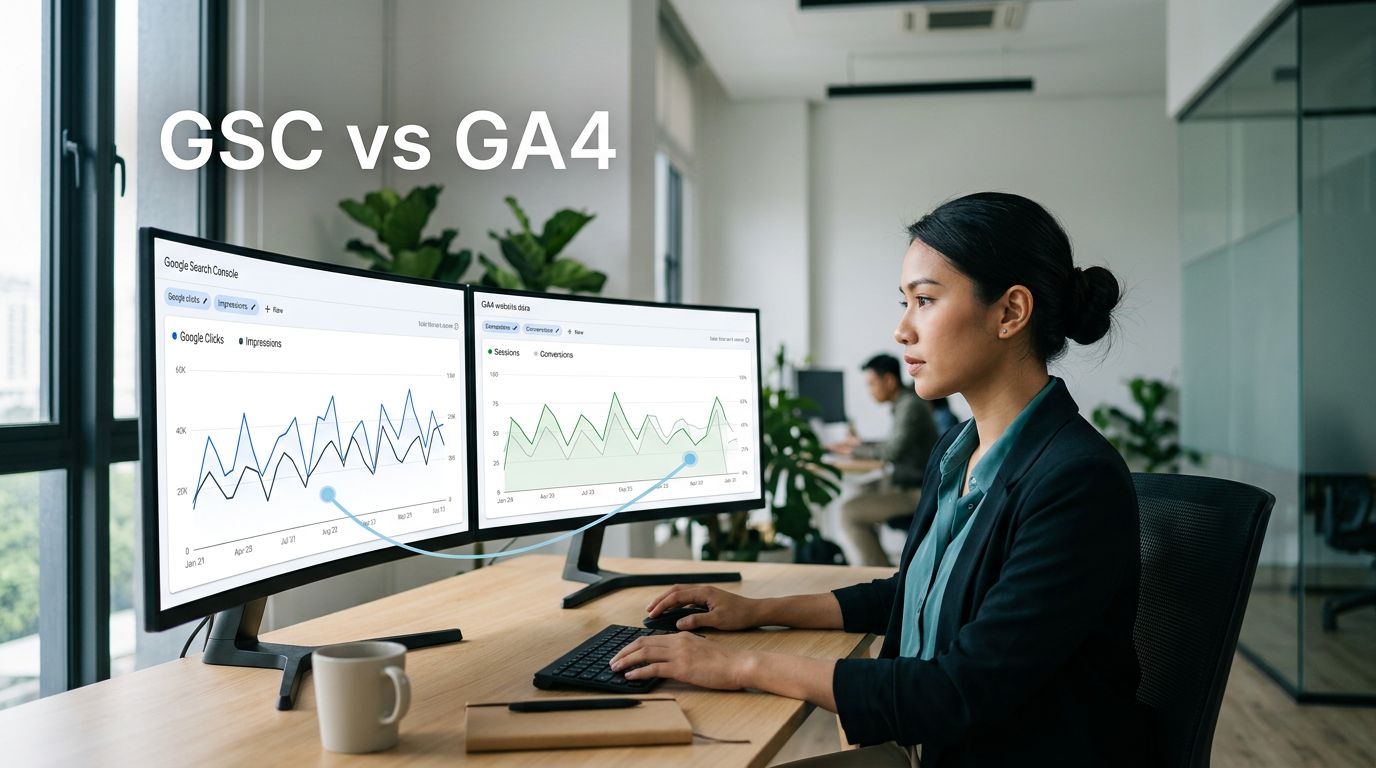
Your organic search clicks can rise while GA4 sessions stay flat. That doesn’t automatically mean your SEO tracking is broken.
The GSC vs GA4 comparison is often confusing because the platforms measure different stages of the same customer journey. Google Search Console records what happens in Google Search, while Google Analytics 4 (GA4) records what visitors do after reaching your website.
For Malaysian SMEs, the useful question is not which number is correct. It is whether search visibility produces enquiries, calls, bookings, WhatsApp messages, or sales.
GSC vs GA4: the direct answer for SMEs
Google Search Console, often called GSC, measures your website’s visibility in Google Search before a visitor arrives. GA4 measures activity on your website after a visit begins.
A click in Search Console and a session in your analytics property are related, but they aren’t identical measurements. Comparing them as if they should always match creates unnecessary confusion.
| Business question | GSC | GA4 |
|---|---|---|
| Did Google show my page? | Impressions and average position | No |
| Did someone click from Google Search? | Clicks and click-through rate | Organic sessions |
| What did visitors do next? | Limited | Events, engagement and key events |
| Did organic traffic create revenue? | No direct revenue tracking | Purchase revenue and conversions |
The practical takeaway
- Use GSC to find the queries and pages earning Google visibility.
- Use GA4 to assess engagement, enquiries, and purchases from organic sessions.
- Use both tools together before making decisions about content, technical SEO, or paid search budgets.
A page can rank well and still fail to generate leads. Likewise, a page may attract modest traffic but convert strongly because it answers a high-intent search.
What Google Search Console measures before the click
Google Search Console focuses on Google’s search results. Its Performance reports help you assess impressions, clicks, click through rate, average position, search queries, landing pages, countries, devices, and search types.
Google explains its definitions for impressions, clicks, and average position, which matters because this metric isn’t a fixed ranking promise. It’s an aggregated visibility indicator that can change by searcher, device, location, and query variation.

For example, a Selangor contractor might see strong impressions for a service page but a weak click through rate. The issue may be the page title, search snippet, unclear local relevance, or a competitor offering a more direct answer.
Search Console also helps identify indexing and page coverage problems, so check index coverage, core web vitals, and mobile usability first. Then confirm your property, sitemap, canonical URLs, and main pages through a reliable Google Search Console setup.
How GA4 measures visitors, engagement, and revenue
Google Analytics 4 starts when someone reaches your website. GA4 uses an event-based model to collect page views, scrolls, form submissions, phone-link clicks, purchases, and other actions you configure.
Website sessions show visits, while engaged sessions indicate more meaningful activity. Google defines an engaged session as one lasting longer than 10 seconds, containing a key event, or including at least two page or screen views. Together, these sessions help explain the metrics in its engagement rate and bounce rate guidance.
Configure key events around real business actions
A B2B company shouldn’t treat every page view as success. Mark actions such as submitted enquiry forms, booked consultations, completed checkout payments, or qualified WhatsApp clicks as tracked business actions.
For an eCommerce store, GA4 can track purchase revenue when the ecommerce implementation is accurate. For service businesses, it can show whether organic visitors reached contact pages, started a form, or clicked a phone number, helping you assess the quality of organic landing pages.
GA4 doesn’t tell you the exact Google query behind every business action. It does, however, show whether organic traffic supports real commercial outcomes.
Why GSC clicks rarely equal GA4 sessions
A gap between GSC clicks and GA4 sessions is normal. The first difference is the action each platform records. GSC records a click from Google Search, while Analytics records a visit after its tracking tag loads and processes it.
Dates, time zones, and traffic scope differ
Reporting time zones can create apparent discrepancies. Search Console reports dates using Pacific Time, while the Analytics property uses its configured time zone. A Malaysian business comparing daily sessions may therefore see a difference around midnight.
Search Console only records Google Search activity. GA4’s organic search channel can include visits from other search engines, depending on your channel settings. Match the same date range, landing page scope, country, and search type before judging the numbers.
Consent and technical issues can reduce GA4 sessions
A visitor may click a Google result but never be recorded in Analytics. They may leave before the page loads, decline analytics consent, or use a browser extension. Slow pages, weak core web vitals, redirect problems, and JavaScript errors can also block tracking.
Check that the analytics tag fires on the final landing-page URL, and review the session timeout setting. Also review cross-domain tracking if users move from a main website to a booking or payment domain.
A consistent traffic gap does not prove tracking has failed. Compare matching definitions and time periods before investigating technical errors.
Attribution affects conversions, not Search Console clicks
An attribution model can change which marketing channel receives credit for a key event or purchase in GA4. It doesn’t change the Search Console count.
When reviewing leads, separate two questions: how visitors arrived, and which channel Analytics credits for the later conversion. Google also confirms that Search Console and Google Analytics discrepancies are common because each system has a different measurement purpose.
Google Search Console and GA4: connect them correctly
Linking the platforms makes organic reporting easier, but it doesn’t merge every metric into one report. You need a verified owner role for the Search Console property and appropriate access to the analytics property.
Follow the GA4 linking path
In GA4, go to Admin > Product links > Search Console Links. Select Link, choose the verified Search Console property, select the correct web data stream, then review and submit.
Google’s official instructions for connecting Search Console to Google Analytics confirm that the selected web data stream controls which site data appears in the linked reports.
Choose carefully. If your business has separate domains, subdomains, or staging sites, select the correct data stream for each one. The wrong choice can make reports misleading.
Publish the Search Console reports in GA4
After linking, open Reports > Library if the Search Console collection isn’t already visible. Locate the Search Console collection and publish it. You should then find the linked reports in GA4 under Reports > Search Console, including Queries and Google organic search traffic.
Allow up to 48 hours for data to appear. Search Console data is limited to 16 months, so keep longer-term reports elsewhere if year-on-year comparison matters.
Turn search visibility into better business decisions
The strongest reports follow the journey from an organic search query to a landing page and then to a commercial action. Start with page-level patterns instead of chasing a single overall traffic number.

Diagnose pages with demand but weak engagement
Find a page with high GSC impressions and clicks. Then use GA4 to review its organic sessions, engagement rate, key events, bounce rate, and core web vitals.
If clicks are healthy but engagement is poor, compare the page with the search query. The page may answer the wrong question, load too slowly, bury its service details, or lack a clear next action.
A restaurant, clinic, education centre, or professional firm can often improve results by stating location, service scope, pricing context, availability, and contact options near the top of the page.
Connect organic visits to qualified leads
GA4 can show a form submission. Your CRM should show whether the sales team contacted, qualified, or won that lead, helping connect form submissions with meaningful conversions. That’s why SEO and CRM lead tracking matters for businesses with longer sales cycles.
For eCommerce, compare Search Console growth for organic landing pages with GA4 purchase revenue. Avoid claiming that one keyword caused a sale unless your reporting method supports that conclusion. Assess the page, audience, and conversion path instead.
High-intent organic pages that consistently produce qualified leads can reduce dependence on paid search over time. Use a broader digital marketing plan to guide that shift, and review several months of data before moving budget.
Use GSC and GA4 for AI search visibility
Google Search remains central, but customers also ask AI tools for recommendations, comparisons, and service explanations. AI-generated answers can influence discovery before visitors search for your brand directly.
Google has begun rolling out Search Generative AI performance reporting to a subset of websites in Search Console. This data will help businesses assess visibility in generative search features, but it does not replace GA4’s measurement of visits and outcomes.
Build content that systems can understand
For SMEs investing in SEO Malaysia support, AI search readiness starts with useful, structured information. Service pages should answer customer questions clearly, identify the business and its location, link to supporting pages, and include relevant FAQs.
Clear information helps systems understand your business, services, and relevance to local customers. A well-planned Answer Engine Optimization strategy can also improve how readers understand your services before they contact you.
Expect incomplete AI referral attribution
GA4 may identify some AI referrals, but it cannot reveal every AI-generated answer that mentioned your business. Search behaviour, browser privacy settings, and referral handling can limit visibility.
You can still track AI search traffic in GA4 alongside Search Console trends, branded searches, landing-page engagement, and tracked outcomes. A Malaysia-based specialist should explain these limits clearly instead of presenting estimates as proof.
A trusted specialist should show how it defines leads, checks consent settings, verifies events, and separates search visibility from business outcomes.
A clearer view of organic performance
GSC clicks and GA4 sessions do not need to match perfectly to guide good decisions. Each tool answers a different question, and their combined view is more useful than either platform alone.
When search visibility rises but leads do not, review landing-page intent, website structure, core web vitals, and event setup. When engaged organic traffic grows, evaluate it against purchase revenue to see whether eCommerce performance is improving.
Frequently asked questions
Should I use GSC or GA4 for SEO reporting?
Use both. GSC identifies organic search demand and Google visibility. GA4 shows post-click engagement, key events, and conversions. A monthly report should connect the two without treating their totals as identical.
Why are GA4 organic sessions higher than GSC clicks?
GA4 organic sessions may include search engines beyond Google. Different time zones, channel definitions, repeat visits, and reporting filters can also increase GA4’s figure. Compare Google’s organic reports with equivalent dates before drawing a conclusion.
When should an SME ask for help with analytics?
Ask for support when tracking is incomplete, lead sources are unclear, domain changes have disrupted measurement, or SEO reports focus only on rankings. If you want to improve Google visibility and measure enquiries more accurately, speak with an SEO consultant about a practical website and reporting review.
