
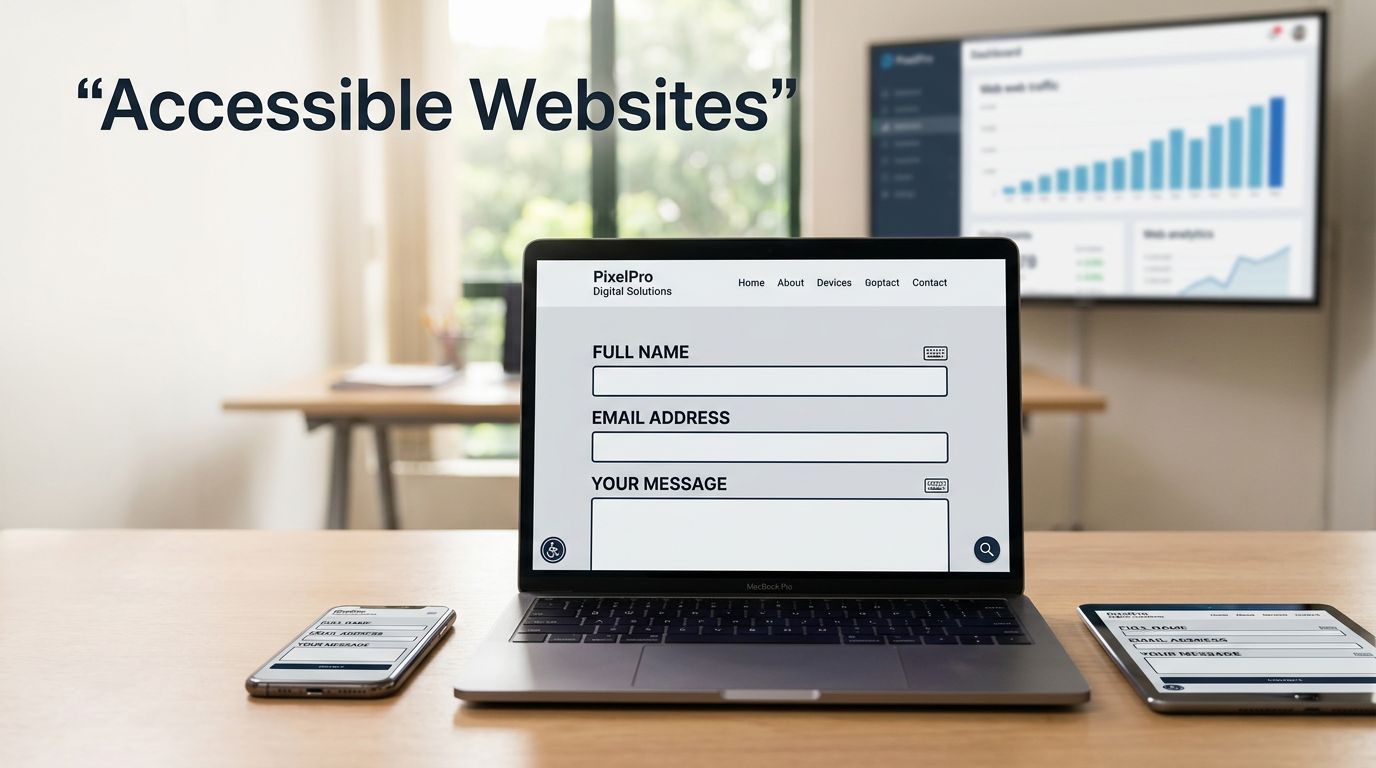
A missed form submission is rarely a sales problem alone. It may be a missing label, a keyboard trap, or pale text that a prospective customer cannot read.
For Malaysian SMEs, website accessibility improvements remove barriers without requiring a website redesign. They also give search engines clearer structure and support inclusive digital experiences. Visitors get a fairer route to an enquiry, call, booking, WhatsApp message, or purchase.
Start with your contact, product, quote, booking, and other revenue-driving pages.
Direct answer: website accessibility improvements help SEO and conversions
Accessible websites use clear code, readable content, keyboard-friendly controls, and forms with screen reader compatibility. These forms and controls should work with assistive technologies used by people with disabilities. These changes reduce friction for people with motor impairments, cognitive disabilities, older users, mobile users, and customers dealing with slow connections or temporary limitations.
They also support search engine optimization because search engines can better interpret structured headings, text alternatives, descriptive links, and useful page content. Accessibility compliance is not a direct ranking shortcut, but these improvements can create a better user experience, support crawlability, and help more customers complete their journeys.
Key takeaways
- Use semantic HTML and a logical heading hierarchy so visitors and search systems can understand each page.
- Make navigation, menus, buttons, pop-ups, and forms fully operable with a keyboard.
- Track form completions, click-to-call actions, bookings, and WhatsApp leads after each meaningful fix.
Why accessible user journeys support search and sales
Search engines are software, and so are screen readers and other assistive technologies. Both depend on meaningful signals in page code. A page with a descriptive H1, well-ordered sections, labelled images, and clear internal links is easier to interpret than one built from anonymous clickable boxes.
For a Kuala Lumpur clinic, that can mean a patient successfully books an appointment. For a Selangor contractor, it can mean a visitor finds the quote form, understands each field, and submits it without errors.

Accessibility supports customer journeys, not just rankings
A customer who cannot see a focus indicator may abandon a booking flow. Someone using voice input may struggle with a custom drop-down. A form that shows only red error text can stop users with colour-vision differences from sending an enquiry.
These are conversion issues before they become technical issues. Start with pages that drive revenue, including service pages, product pages, contact forms, checkout steps, appointment forms, and location pages.
Use WCAG 2.2 guidelines as your working benchmark
For web accessibility standards, the W3C’s Web Content Accessibility Guidelines 2.2 are the current reference point. The guidelines group requirements under four ideas: content must be perceivable, operable, understandable, and robust.
Legal requirements vary by jurisdiction, procurement terms, contracts, and customer markets. Malaysia does not have one universal commercial website law that makes every private site follow WCAG 2.2, but client requirements and public-sector work can still create legal compliance risks. Businesses serving EU customers should review the European Accessibility Act’s relevance to their products and services, while U.S.-facing websites often address ADA-related claims through WCAG-aligned remediation.
Website accessibility improvements that fix page structure
Many high-value accessibility remediation changes sit in a WordPress theme, page builder template, or custom front-end component. They do not require a redesign, but they do require care.
Start with semantic html elements and proper heading structure
Use one clear H1 for the page topic, then organise sections with H2 headings and supporting H3 headings. Do not select headings only to make text look larger. Use CSS for visual size and HTML headings for document meaning.
Native elements give browsers and assistive technologies useful context. Use <nav> for navigation, <main> for primary content, <button> for actions, and <a> anchor links for destinations. Add skip navigation links so keyboard users can bypass repeated navigation. Replace a clickable <div> with a real button when it opens a modal, expands an answer, or submits a form.
The W3C’s WCAG 2.2 quick reference is useful when reviewing content, components, and templates. These foundations also support a wider SEO Malaysia strategy because headings and links clarify page topics.
Fix focus order and keyboard accessibility for interactive components
Pressing Tab should move through controls in a logical order. Interactive controls need visible focus indicators. Users should be able to close menus, pop-ups, and dialogs with Escape where appropriate.
Avoid positive tabindex values, which can create confusing focus sequences. Also test sticky headers, chat widgets, cookie banners, and pop-ups because they can cover the selected control. WCAG 2.2 adds focus visibility and target-size requirements that are especially relevant on mobile screens.
Make images, contrast, video, and forms easier to use
Content teams can solve many accessibility barriers while publishing new pages. The work should become part of the normal editing process, rather than a once-a-year cleanup.
Use alternative text for images that conveys meaning
Alternative text tells screen-reader users why an image belongs on the page. People with visual impairments may depend on these descriptions to understand its purpose. An image of a restaurant’s dining room might need “Private dining area at a Petaling Jaya restaurant.” A decorative background image needs no spoken description, so it can use an empty alt="" attribute.
Describe the useful information, not every visual detail. Avoid phrases such as “image of” because the screen reader already identifies it as an image. Product photos, charts, maps, staff photos, and service diagrams need more careful review.
Meet color contrast ratios and multimedia requirements
WCAG 2.2 requires a minimum contrast ratio of 4.5:1 for standard-sized text. Large text can use 3:1. User-interface components, such as input borders and focus indicators, should also reach 3:1 contrast against adjacent colours.
Do not use colour alone to explain an error, selected state, or required field. Add written instructions or icons with accessible text. For video, provide accurate video captions and transcripts. Captions should include speech and meaningful sounds. A transcript helps people who prefer text and makes the content easier to search. The W3C’s guidance for understanding WCAG 2.2 explains these requirements in more detail.
Test keyboard access and screen-reader output
Automated scanners are useful, but they can’t confirm that a real person can complete a task. They may flag missing labels and contrast failures, yet miss confusing focus order, vague instructions, and broken form messages.

Combine automated accessibility testing with manual keyboard testing
Use accessibility testing tools such as axe DevTools, WAVE, Lighthouse, and Accessibility Insights during development. Then put the mouse aside and check keyboard accessibility with Tab, Shift+Tab, Enter, Space, Escape, and arrow keys where relevant. Confirm the focus order, visible focus, and expected response to each key.
Test at least one screen reader combination, such as NVDA on Windows, VoiceOver on Apple devices, or TalkBack on Android. W3C’s first web accessibility review checks offer a practical starting point for a basic audit.
Test complete high-value tasks
Follow the full path a customer takes. Find a service, choose an option, fill in a form, trigger an error, correct it, and submit. Check screen reader compatibility by listening to what’s announced at every step.
Use clear form labels and titles. Give the form a descriptive title, then connect each visible label to its input in code. Placeholders disappear when users type, so they can’t replace labels. Error text should identify the problem, explain how to fix it, and link back to the affected field. Keyboard-only completion matters for people with motor impairments and users who don’t use a mouse. Use aria-describedby to associate helpful instructions and errors with an input when needed.
Prioritise fixes by revenue risk and user impact
Start your website accessibility improvements with the templates and journeys that affect the most people. A broken contact form needs attention before a decorative image on an old blog post.
A practical priority order includes:
- Fix keyboard traps, inaccessible menus, pop-ups, and checkout barriers.
- Repair form labels, validation messages, and required-field instructions.
- Improve contrast, heading structure, link text, and image alternatives.
- Review older pages and reusable templates after the main conversion paths work.
Accessibility remediation covers code fixes, content fixes, and manual review. An accessibility overlay may offer display controls, but it can’t repair missing labels, poor source order, unclear content, or an inaccessible checkout flow.
Treat the work as a small digital accessibility program. Measure progress through completed enquiries, phone taps, bookings, sales, and support requests, rather than relying on a scanner score alone.
Accessibility also prepares content for AI search
Google AI Overviews, answer engines, and generative search tools need content they can parse and assess. Clear headings, direct answers, consistent business details, useful internal links, and topic-specific pages give those systems better source material.
AI SEO does not replace technical SEO. It adds focus to answer quality, entity clarity, topical authority, and content that addresses customer questions. Answer engine optimization builds on accessible content structure because both practices favour clear, well-labelled information.
Choose an agency that can prove the work
A trusted AI SEO agency documents its accessibility remediation work, tests important tasks manually, and connects changes to enquiry quality or sales data. Businesses comparing an AI SEO agency in Malaysia should ask how it audits templates and validates form journeys. They should ask how it measures results after deployment and accounts for contracts, procurement expectations, market obligations, and legal requirements.
For a B2B firm, education centre, eCommerce store, or local service provider, accessible content can support stronger brand signals and more inclusive digital experiences. Entity SEO in Malaysia can help connect your business, services, locations, and supporting content so search systems can interpret those relationships more consistently.
Conclusion
Accessible design gives every prospective customer a clearer path to take action. Clear headings, usable controls, readable content, and tested forms can support organic visibility while reducing missed enquiries.
If your business needs a practical review of technical SEO, accessibility barriers, and conversion paths, PixelPro can help you get an SEO audit and build a measured plan for stronger visibility and lead generation.
Frequently asked questions
Can I improve accessibility without rebuilding my website?
Yes. Begin with high-traffic templates, navigation, forms, contrast, headings, and image alternative text. Most WordPress and custom websites can address these areas through content updates, theme improvements, and component fixes. A rebuild may be appropriate when the existing platform cannot support basic keyboard access or semantic structure.
Will WCAG compliance automatically improve Google rankings?
No. WCAG compliance is not a guaranteed ranking factor or a promise of higher positions. However, accessibility work can improve technical quality and support contractual outcomes. Businesses should assess applicable legal requirements separately. Accessible markup often improves page structure, crawlable text, usability, and conversion journeys. These improvements support stronger SEO foundations and give visitors fewer reasons to leave before taking action.
What is the fastest accessibility test for a small business website?
Start with a keyboard test of your home page, service page, contact form, and checkout or booking flow. Then run automated accessibility testing and test key tasks with a screen reader. Focus on failures that block a call, enquiry, booking, WhatsApp message, or purchase before moving to lower-impact issues.
